Pick up the conversation
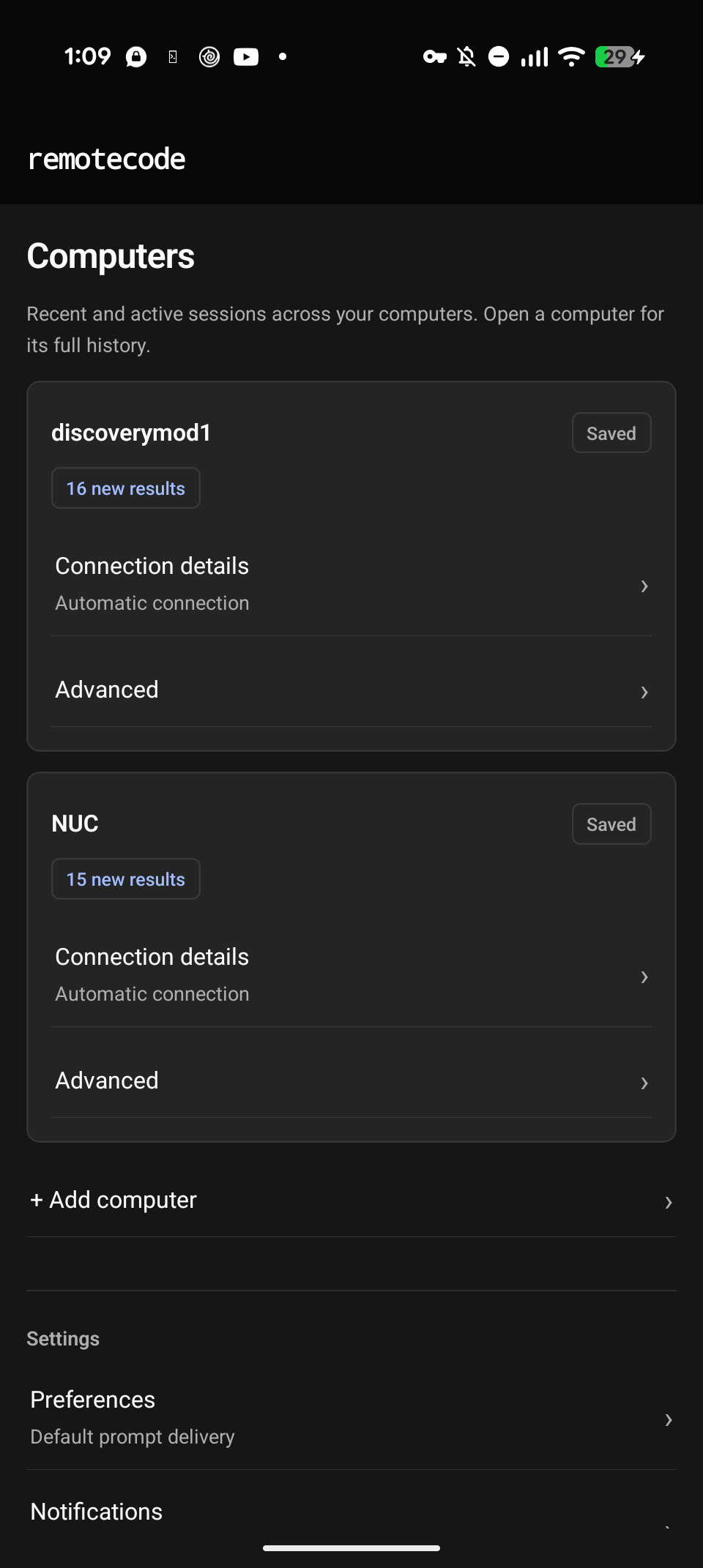
Browse sessions across your saved computers. Read responses and activity, copy text, and find the chats that need your attention.
 remotecode
RemoteCode · Independent Android app
Step away without ghosting your work. Read answers, send follow-ups and keep the conversation going over Wi-Fi or your own Tailscale setup. Your sessions are hosted locally on your own computer.
Works with the OpenCode backend · Android first · Public release coming soon
Long-distance. Still committed.
RemoteCode lets you check in from your phone, see how the work's going, and send the occasional “done yet?” Same computer. Same projects. No “it's complicated.”
Browse sessions across your saved computers. Read responses and activity, copy text, and find the chats that need your attention.
Send a new prompt, queue a follow-up, or steer an active task. Review questions and permission requests before deciding what happens next.
Connect over your local Wi-Fi through the RemoteCode Ubuntu companion, or use your own Tailscale setup remotely. No RemoteCode account required. You choose how your phone reaches your computer.
Built for agentic coding workflows
Session input tiles minimize to a slim Reply bar, giving you more screen real estate to review results. Expand the input when you're ready to respond.
Switch between your saved computers and manage their sessions from one phone.
Choose a configured agent and adjust the effort level on supported models.
Queue a follow-up for after the current task, or steer the work already running.
Review the agent's questions in clear, focused tiles and send the answers it needs to continue.
With both connections configured, RemoteCode prefers a verified LAN connection and falls back to your own Tailscale setup when needed.
Compact controls and a quiet layout keep session results in focus.
From the app, not a mockup
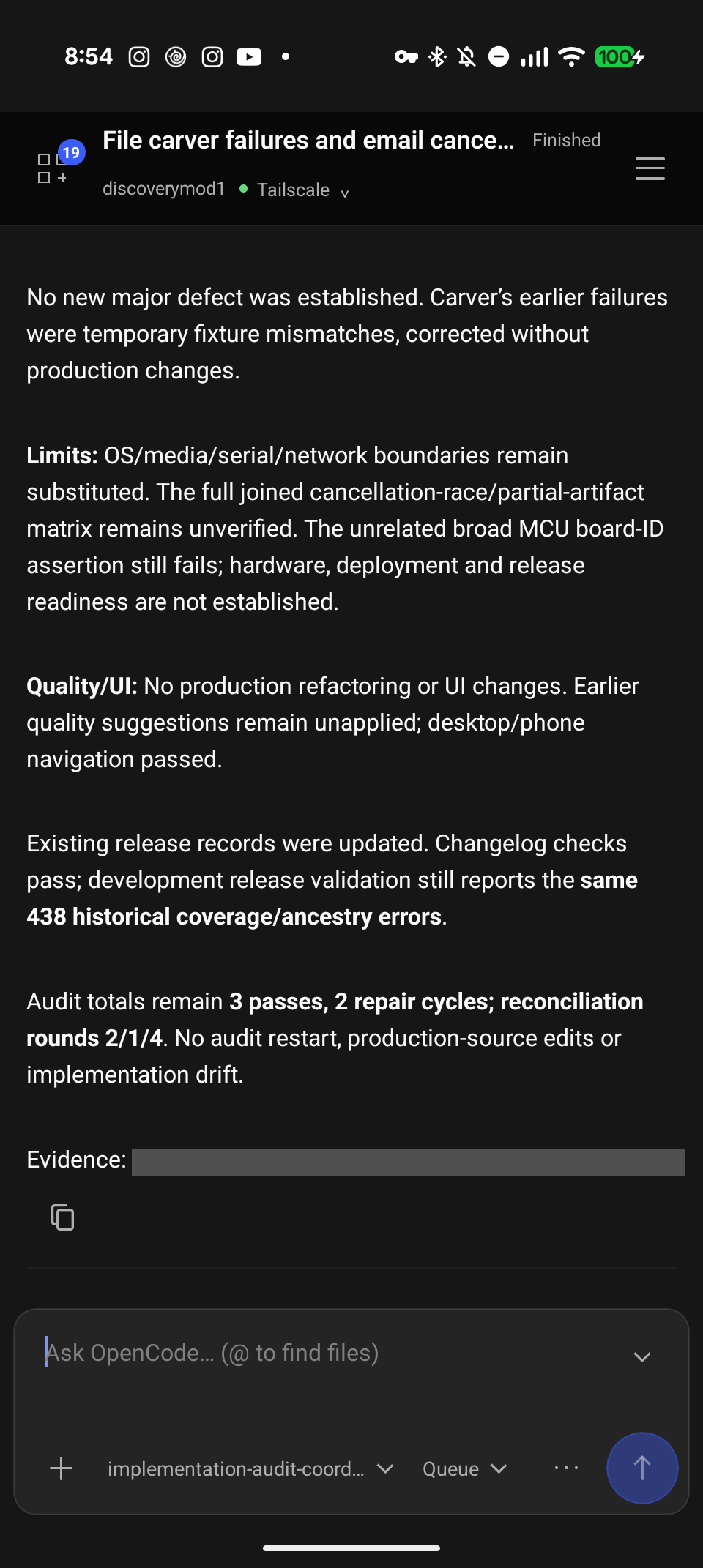
The input tile minimizes further to a slim Reply bar, maximizing screen space for session review.
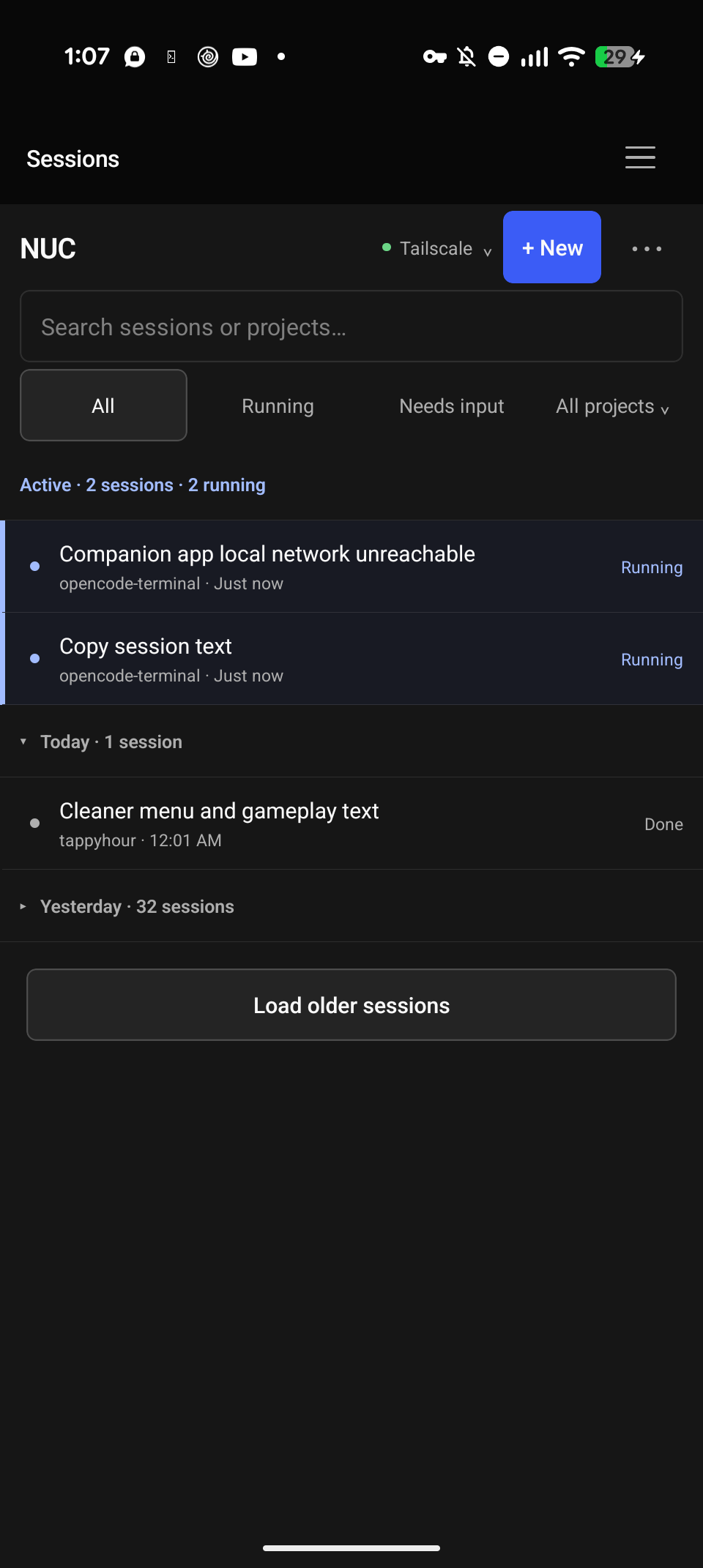
See what's running and what needs attention, then pick up the conversation.
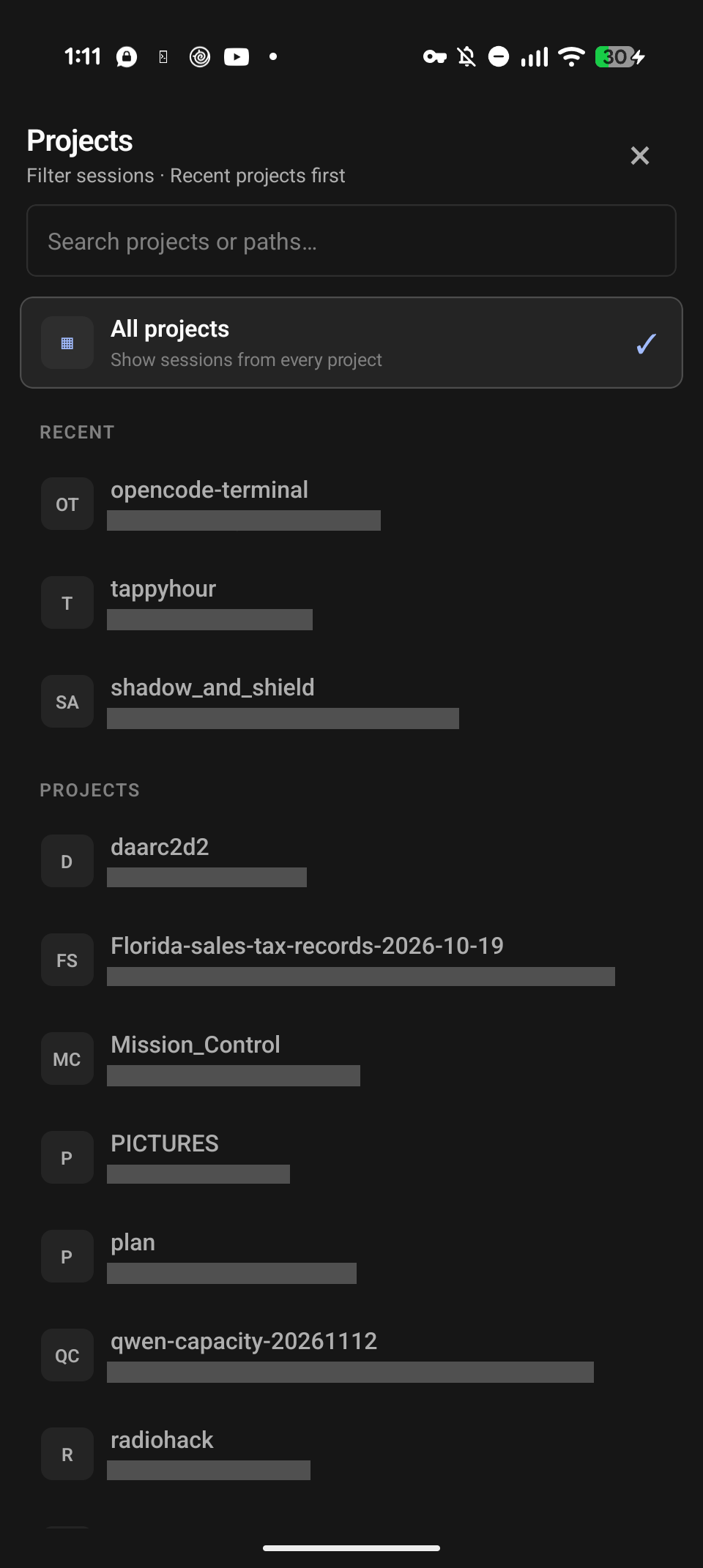
Search your projects and narrow the session list without leaving the app.
Your computer. Your connection.
On the same Wi-Fi network, your phone connects directly to your computer's approved HTTPS companion. Away from home, use your own Tailscale setup. Your sessions are hosted locally on your own computer.
Your chosen services still matter: Tailscale may use its own servers to connect your devices and carry encrypted traffic, and your configured AI providers process requests separately.
Choose your connection ↗ · Read the privacy details ↗About the developer

I use RemoteCode every day and continue to build in the features I need in my own work.
It's built for agentic coding workflows: checking in on running sessions, reading results, answering questions and steering the next step without staying at the desk. The needs I run into while developing help shape what I build next.
I spent 14 years as a network analyst and technical field operations officer with the Department of Defense and National Media Exploitation Center, supporting cyber and digital-forensics missions around the world. I am a solo founder of the startup Shadow and Shield where I am building a digital forensics toolkit aimed at supporting investigators who work with USB and computer data. I spent most of my career living in the Washington DC area but in 2021 I bought an Airstream and have been traveling in my mobile office since then.
My other projects include:
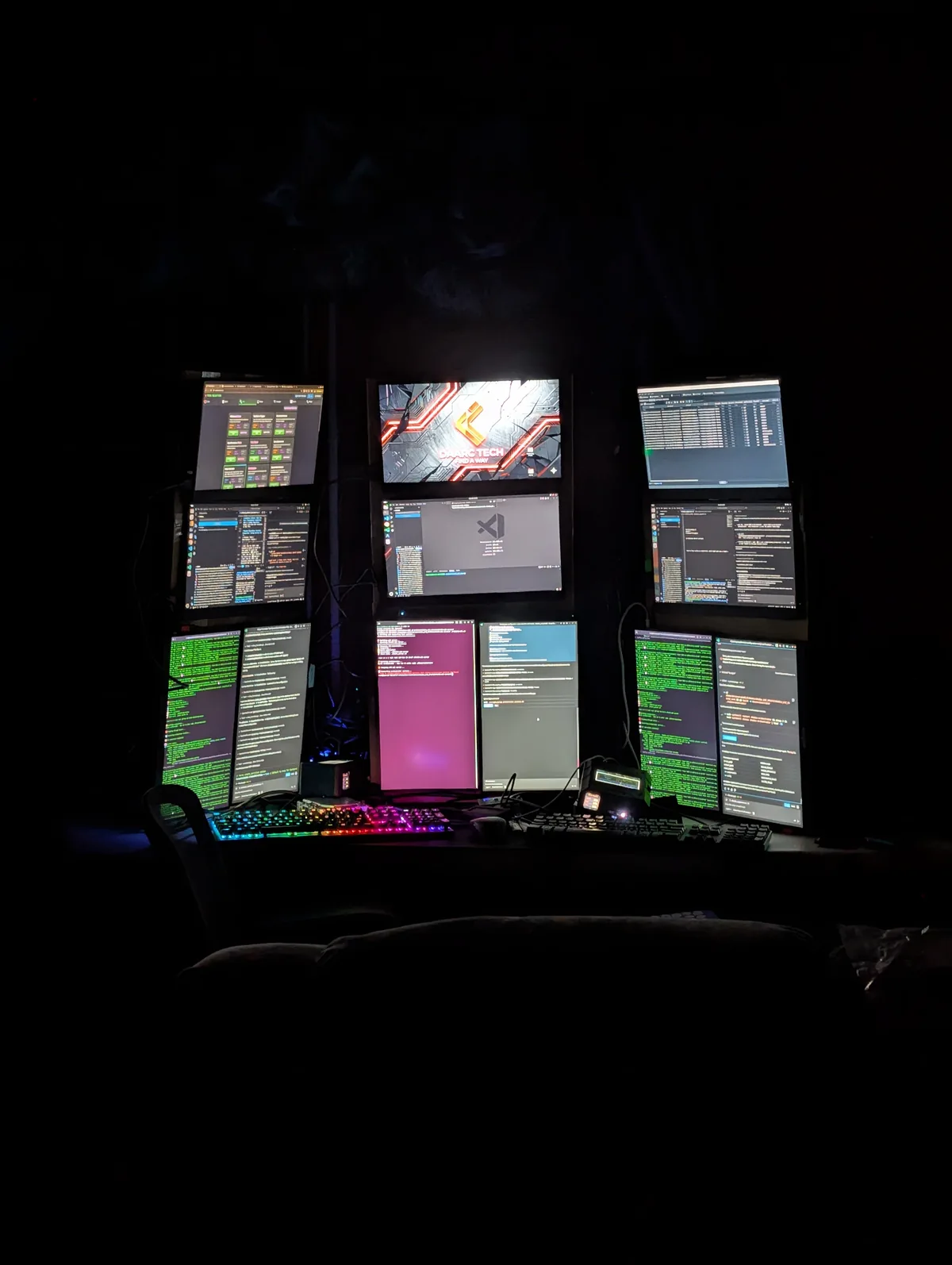
RemoteCode allows you to see all the systems running the RemoteCode companion app so you can easily manage sessions across multiple systems.
In development / not yet publicly released
RemoteCode’s Android app and Ubuntu companion are getting ready to go public. No downloads or app-store listings yet. Wear OS is still in the “it’s complicated” phase; iOS hasn’t entered the chat.
Before launch: release signing, dependency notices and real-device testing.
A few things worth knowing
No. RemoteCode is independently developed by Jared Ringenberg. It is not developed by, affiliated with, sponsored by or endorsed by Anomaly or the OpenCode team. OpenCode and the OpenCode logo are trademarks of Anomaly.
Yes. The OpenCode backend runs on your computer, not on your phone or this website. The computer and the approved connection must remain available. RemoteCode does not host your coding sessions.
Not for supported Android LAN access through the RemoteCode Ubuntu companion. For access away from your local network, the documented setup uses Tailscale, installed and configured separately. RemoteCode does not change your VPN or firewall settings for you.
Opt-in local phone alerts work while relevant app screens are active. Background push requires a Firebase-configured build and a separate notification helper. The experimental Wear OS companion requires an approved, online paired phone. Delivery is best-effort, not guaranteed.
No. Original RemoteCode code is proprietary. The current license permits free personal and internal business use; third-party open-source components keep their own licenses. Public distribution is not available yet. Read the legal information.
Questions, feedback or a privacy request? Get in touch.